First things first. Before we can create resources as code through a pipeline, we need to create some resources to make it possible, specially because we don’t want to use any credentials variables on the pipeline tool.
Read more: Main account preparationMost companies already have all the needed resources to run a terraform project through a pipeline but, as we want to make everything repeatable, we’ve manually created just the very basic resources and made a repository with the “not so basic” resources.
So, what we need to be able to run the “not so basic” terraform project:
- IAM user with access key and secret key
- IAM Identity Center (formerly AWS SSO) enabled
IAM User
Our IAM user will be “iac-main-iam” and will have the following policies:
- AmazonS3FullAccess
- AWSSSOMasterAccountAdministrator
- IAMFullAccess
- STS:AssumeRole
Don’t forget to create access and secret keys.
IAM Identity Center
Go to your main region and enable it.
Terraform pre-reqs project
Get the code here: https://bitbucket.org/arglabs/arglabs-main-org-prereqs/src/master/
Change variables on variables.tf file and remove the state file.
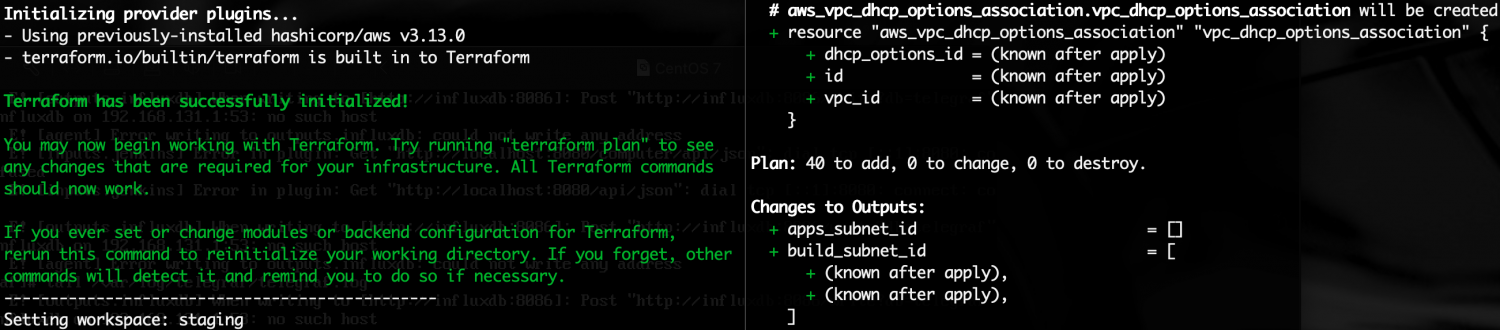
Run it, like in this video:
That’s it.
Terraform Org Stuff project
With these basic resources created, we can now run the next terraform project, now using the pipeline tool.
ARGLabs Org Stuff project: https://bitbucket.org/arglabs/arglabs-main-org-stuff/src/master/
It will run like:
Now the basic stuff on the main account is ready.
 ARGLabs