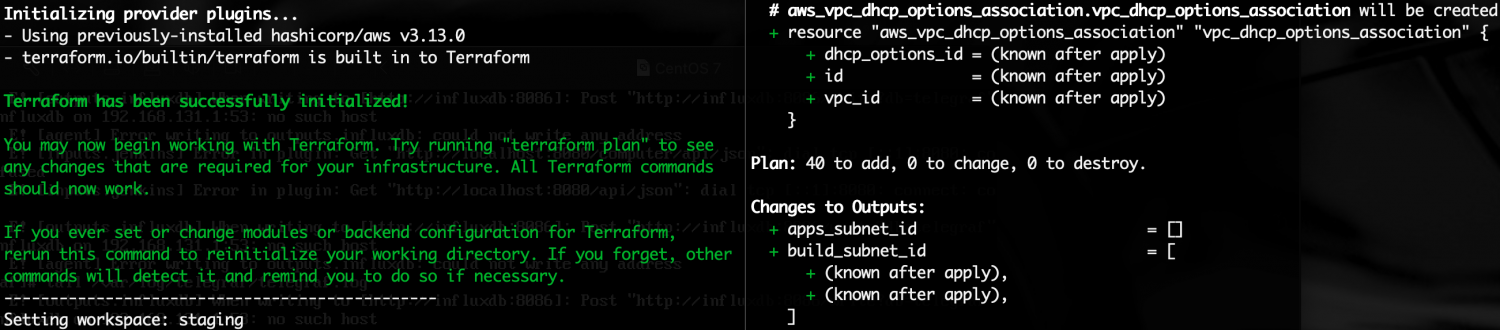
Do you want to do everything as code ?
Do you know that you CAN manage your CIDRs allocations as code, and that it’s very simple, much more than you probably think ?
Read more: CIDR Control with terraformI’m not telling you that everybody should do it, but here I’ll try to show you that’s possible and very simple.
What are the main benefits ?
- You’ll have a central place to manage every VPC network address
- Everyone could query this central place to discover another team network address
We just need a centralized terraform state that everyone could read.
This terraform project just outputs our CIDRs allocations onto a state every other project can read: https://bitbucket.org/arglabs/arglabs-main-org-cidr-control/src/master/
Just put the CIDRs by environment on the cidr local map variable as following:
# CIDRs delegations:
  cidr = {

    # Entire company cidr by env:
    org = {
      dev = "10.200.0.0/16"
      stg = "10.100.0.0/16"
      prd = "10.0.0.0/16"
      default = ""
    }

    # Teams cidrs:
    sre = {
      dev = "10.200.0.0/24"
      stg = "10.100.0.0/24"
      prd = "10.0.0.0/24"
      default = ""
    }

    team01 = {
      dev = "10.200.1.0/24"
      stg = "10.100.1.0/24"
      prd = "10.0.1.0/24"
      default = ""
    }
    # And so on...

  }
And let the pipeline run:

Then, in every project you need to get your own CIDR or any other CIDR, you can just read the terraform state as following:
data "terraform_remote_state" "cidr" {
  backend   = "s3"
  workspace = "default"
  #workspace = local.env
  config = {
    bucket   = "arglabs-terraform-states"
    region   = "us-east-1"
    role_arn = "arn:aws:iam::005801295308:role/deployer"
    key      = "main/org-cidr-control.tfstate"
  }
}

locals {

  cidr     = data.terraform_remote_state.cidr.outputs.cidr
  org_cidr = data.terraform_remote_state.cidr.outputs.cidr["org"][local.env]
  my_cidr  = data.terraform_remote_state.cidr.outputs.cidr[local.infra_scope_parsed][local.env]
}

output "my_cidr" { value = local.my_cidr }
 ARGLabs
You must be logged in to post a comment.